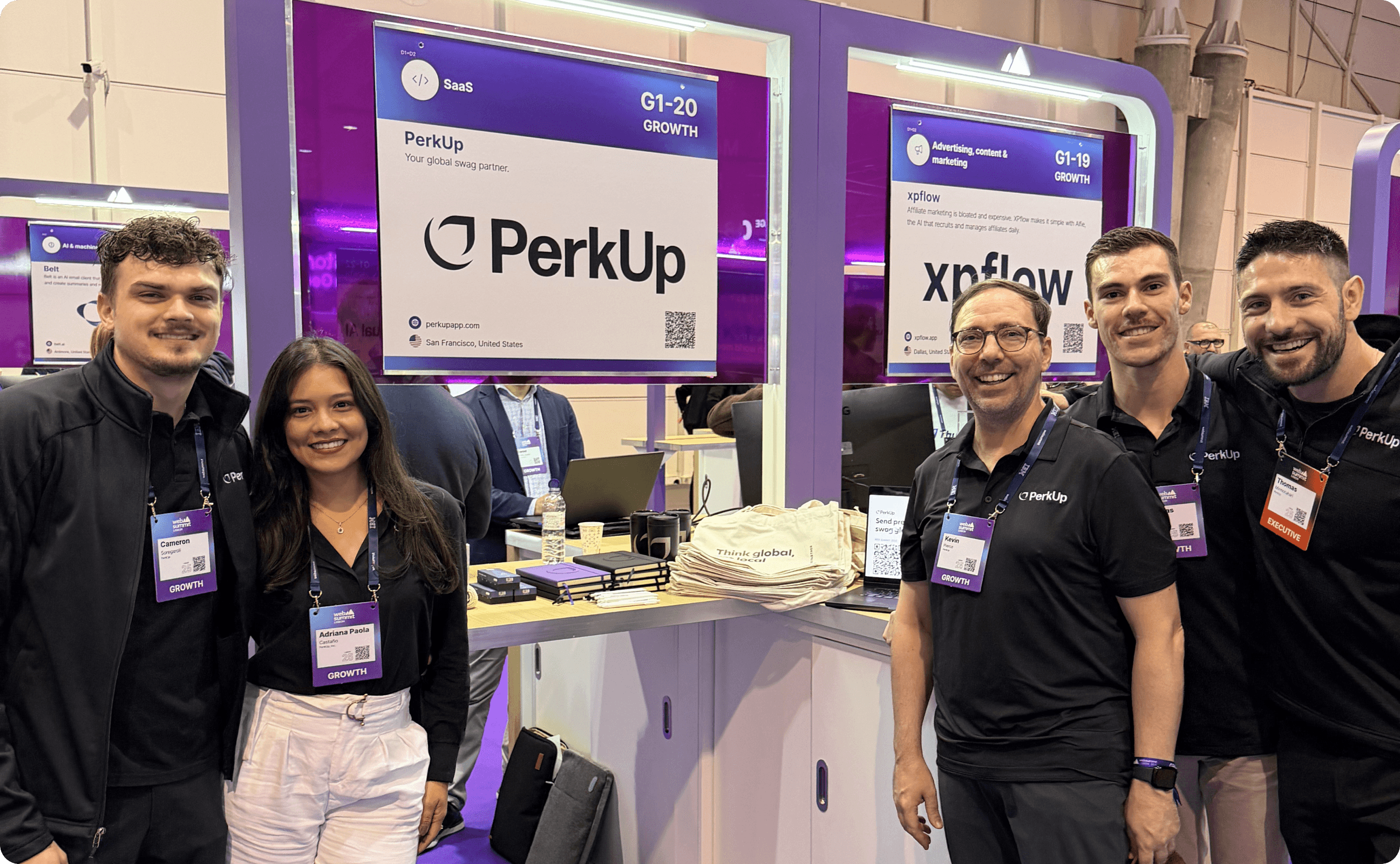
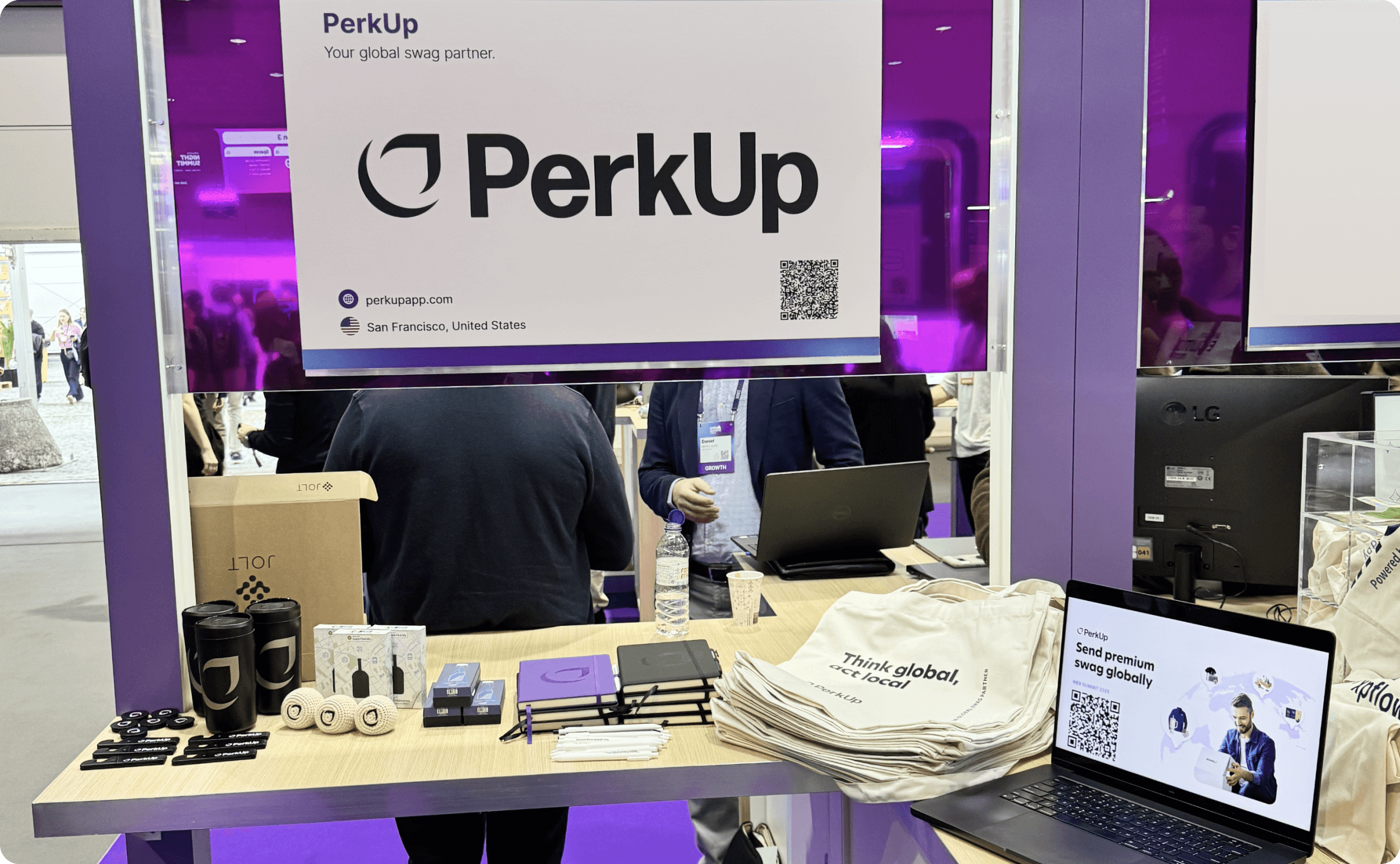
Events can take up a big part of the marketing budget. In Forrester’s Marketing Budgets Survey, nearly half of respondents in professional, business, and technology services said they spend more than 30% of their program budget on events. Thirty percent! That’s almost half of the budget, which then gets spread across a lot of other things.
For one, you need somewhere for attendees to register. Two, your team needs to promote the event and keep track of deadlines. Then, once you’re there, someone has to capture the leads coming through the booth. And somewhere in the middle of all of that, 500 tote bags still need to reach a hotel ballroom before the morning of the event. That’s why your event tech stack matters.
And with that, we came up with an event marketing checklist that covers 10 event marketing tools you’ll need from the first round of planning through the post-event follow-up, with platform examples for each. If you’ve read our remote hiring and onboarding tools checklist, this one follows a similar format. Let’s begin.
What are event marketing tools?

Before anything else, let’s define event marketing tools. Simply put, event marketing tools are the software and services your team uses to plan, promote, run, and measure the success of an event.
Some are built specifically for events, like registration platforms and badge scanners. Others may already be part of your regular marketing stack, like your CRM or email platform, but take on a much bigger role when an event is coming up. Together, those tools make up your event tech stack.

What tools do you need for event marketing?
So, what are the tools you actually need for when you have marketing events?
We’ve split these tools into 10 categories. The first five help you plan the event, fill seats, and get everything ready before attendees arrive. The other five help once the doors open, from capturing leads to following up and reporting on ROI.
A quick note before we continue: this checklist doesn’t necessarily require you to have 10 separate vendors. Some platforms can cover more than one part of the process.
Tools to plan and promote your event
Try to have these first five sorted two to three months before the event.
Event management and registration platform
Your event management software can handle the event page, registrations, payments, badges, and attendee list. That attendee data is then fed into the other tools you’ll use before and after the event. If you’re exhibiting at someone else’s conference, you may not need the ticketing side. You can still use an event platform for something around the main show, like meeting bookings or a customer dinner.
Whichever platform you choose, check how it connects to your CRM. You don’t want your team exporting and cleaning up another spreadsheet after every conference.
Examples of event management and registration platforms:

Cvent
Bizzabo
Swoogo
Project management tool
Once the event is on your calendar, you need one place to keep all of the smaller deadlines around it. That could include the booth contract, speaker deck, shipping cutoff, hotel block, signage, and dozens of other tasks that are easy to miss when different people are handling different parts of the event. Use a shared project board to assign each task to someone on your team and give it a deadline.
The useful part is that you only have to build the process once. After the first event, turn the board into a template and duplicate it for every show after that.
Examples of project management tools:

Asana
Airtable
monday.com
Event swag and swag management
Swag needs to move higher up your planning list than you might expect. This is because swag has deadlines earlier than the actual event itself.
For instance, for bulk orders, you need to give yourself about five weeks before shipping. That usually means around three weeks for production, one for kitting, and another for approvals. On Demand swag takes around three weeks. So if you wait until the week before the event, you’re usually choosing from whatever inventory you already have rather than what you actually wanted for the booth.
And before you think of skipping swag, read ASI’s 2026 Ad Impressions Study, based on nearly 5,000 consumers, where they found that 85% of consumers remember the advertiser that gave them a promotional product or swag, while 78% keep one because it’s useful.
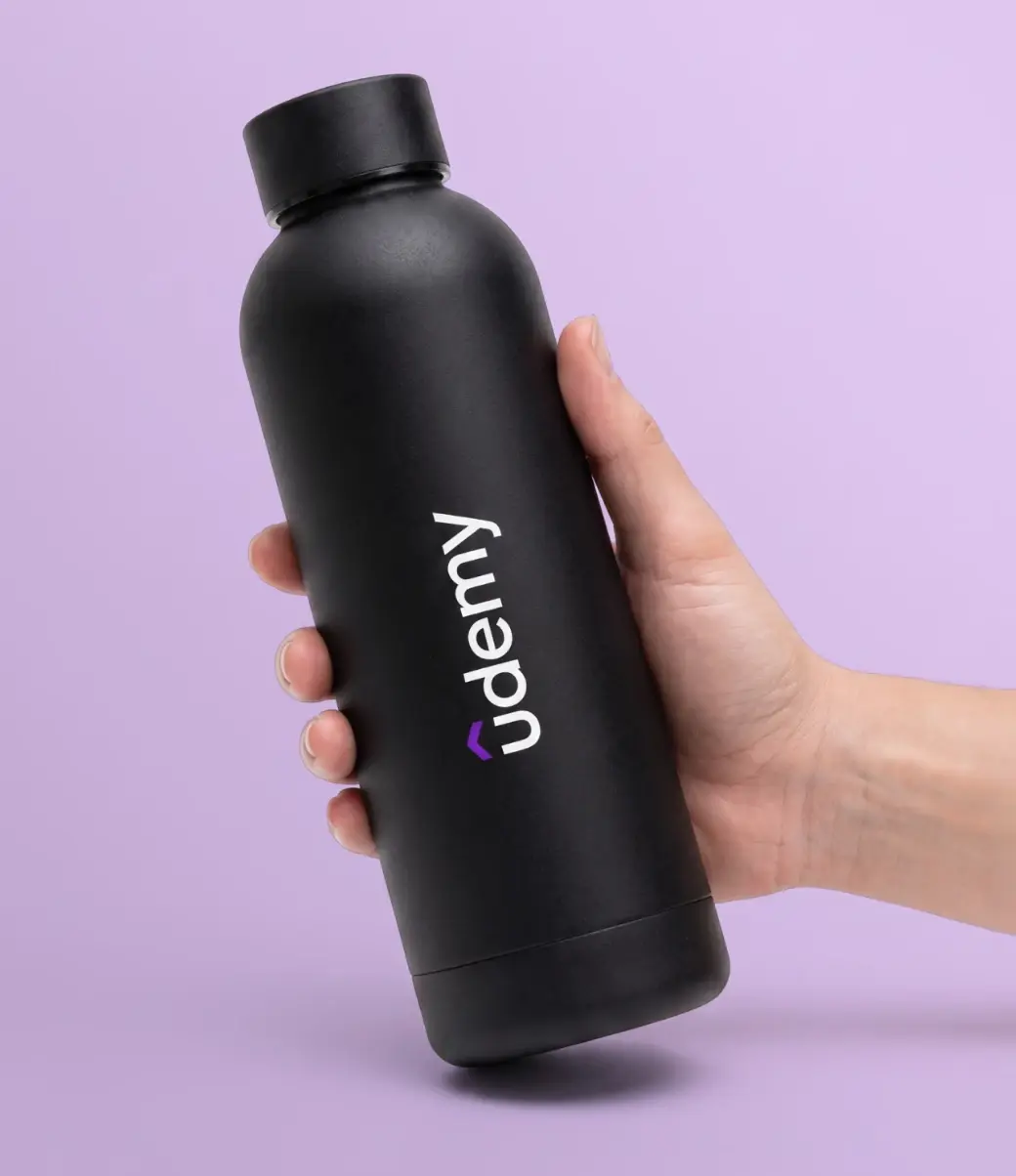
For trade show giveaways, think about what attendees can actually use during the event or on the trip home. A power bank can help when someone’s phone is dying after a full day on the floor. A tote that folds flat is easier to fit into luggage.
Then there’s also the part that happens after you pick the swag items. Obviously, you need somewhere to store the inventory, a way to know how many units are left, and a plan for getting the right number of boxes to each venue and back after. That’s where a swag management platform becomes useful.
Examples of event swag and swag management platforms
PerkUp
Swag42
Gemnote
Our featured pick here is PerkUp. With this platform, you can choose from 2.5 million bulk swag options and 1,000 On Demand items, have the designs mocked up by PerkUp’s in-house team, and add each event with its own venue and delivery window. If you have several shows coming up, you don’t need to place a completely separate bulk order for each one. You could produce 700 totes at once, send 500 to the first event, and keep 200 in the warehouse for the next one. Your team can then track each shipment and see if something is running behind before everyone arrives at the venue.
We cover PerkUp in more depth below.
Email and marketing automation
Getting someone to register is only half the job. You also need them to actually show up. Bizzabo’s platform data puts the average attendance rate at 52%, which means a large share of the people who register may never walk through the door.
Your email sequence can help close some of that gap. Send the invitation first, then the confirmation, a reminder about a week before, and a short email the day before with the information people actually need, like the booth number, room, or arrival instructions. Write the follow-up before you travel too! Once you’re flying home and catching up on everything you missed while you were away, you probably won’t want to start writing a nurture sequence from scratch.
Some event marketing software has email built in. If you need more control over audience segments and timing, use a dedicated marketing automation platform instead.
Examples of email and marketing automation tools:

Adobe Marketo Engage
Mailchimp
ActiveCampaign
Design and social media tools
You’ll usually need to promote an event more than once before someone decides to register. So, to do this, you can use your design tool for speaker graphics, booth signage, social posts, and other event assets, then schedule the posts ahead of time so your team isn’t trying to publish everything manually in the weeks before the show.
If you have speakers, sponsors, or partners involved, make graphics they can share from their own accounts, too. That gives you another way to reach people who may never see the post from your company page.
Examples of design and social media tools:

Canva
Buffer
Sprout Social






Tools for the event day and the follow-up
Now, let’s say you’re ready for the event. Today is the day of it. What you need to do now is to keep track of the people your team meets, give attendees reasons to engage with your booth, and make sure the conversations you started at the event don’t disappear once everyone flies home. Here are the tools to help you do that:
Lead capture and badge scanning
A good booth conversation isn’t very useful if the business card ends up in someone’s jacket pocket for three weeks. Use a lead capture app to scan badges or QR codes and have your team add notes while the conversation is still fresh. That could be something as simple as what the person was interested in or whether they asked for a follow-up meeting.
Have your booth staff tag how warm each lead is, too! When sales start following up on Monday, they’ll already know which 20 conversations should come first. Some conferences provide their own scanners. If your team attends events throughout the year, a universal tool can be easier because everyone learns one workflow and keeps using it.
Examples of lead capture tools:
iCapture
Popl
momencio
Attendee engagement tools
People don’t go to events just to sit through presentations. Freeman’s July 2026 trends report, based on 3,300 attendees and exhibitors, found that attendees want 64% of their learning time to happen outside the session room.
For exhibitors, that gives you a reason to make the booth more interactive. Run a quick quiz and give the top score a prize. Add a live poll during your talk. If you’re hosting the event yourself, you can also use an event app to give attendees access to the agenda and let them message one another. The goal is to give people something to participate in instead of expecting them to stop because there’s a banner behind your table.
Examples of attendee engagement tools:

Slido
Mentimeter
Whova
Digital gift cards
Swag works best when you know what you want to give and have enough time to produce it. On the other hand, gift cards can be useful, too, when physical items don’t make sense (or you didn’t have enough time).
You can send a coffee gift card to someone who booked a booth meeting before the event, use gift cards for raffle or quiz prizes, or send one after the event to thank someone for completing a survey. Because you’re sending them digitally, you also don’t have to pack or ship anything.
For a global audience, choose a platform that localizes the available brands and currency. A U.S. coffee chain gift card isn’t particularly helpful once your attendee gets home to Singapore.
Examples of digital gift card platforms:

PerkUp
Giftronaut
Tremendous
PerkUp is our featured pick here too, with more than 5,000 gift cards localized by country. Be sure to check out the full breakdown below!
Post-event survey tool
You might want to send the survey while the event is still fresh. A day or two afterward is usually enough time for attendees to get home without waiting so long that they’ve forgotten what happened. That said, keep the survey short. Five questions is plenty, and make at least one of them open-ended. “What would you change?” can give you more useful information for next year than another 1-to-5 rating.
If response rates are low, you can also give attendees a small gift card for completing it.
Examples of survey tools:

SurveyMonkey
Typeform
Google Forms
CRM and reporting
Everything you’ve collected should eventually make its way back to your CRM. Set up the event campaign before the show starts so every badge scan, form submission, and follow-up can be tied to the same event. Then, once the event is over, you can answer the question finance is going to ask: what did the company get for the money?
Start with the pipeline created and the cost per lead. If your event marketing platform has its own reporting, you can layer in things like session attendance and booth traffic, too.
Examples of CRM tools:

Salesforce
HubSpot
Microsoft Dynamics 365
Where PerkUp Fits in Your Event Marketing Stack

PerkUp is our top pick for both event swag management and gift cards because you can manage what you send before, during, and after an event from the same account.
For the swag itself, your team has to choose the items early enough to make the deadline, approve the artwork, store the inventory, and get the right quantities to each venue. Then, after the event, you may still want to send something to a speaker, raffle winner, prospect, or survey respondent, or just return the swag items to the warehouse.
With PerkUp, you can manage both sides of that process instead of using one platform for the physical swag and another for the follow-up.
Start with what you need for the event
First, decide what you’re actually giving away. PerkUp has 2.5 million bulk swag options and 1,000 On Demand swag items. For booth giveaways in the hundreds, bulk usually makes more sense. Give yourself about five weeks before shipping. If you only need a few items or need more flexibility with quantity or apparel sizing, On Demand has a one-unit minimum and takes around three weeks. The listed price already includes the item, decoration, shipping, taxes, and duties, with every available size priced the same.
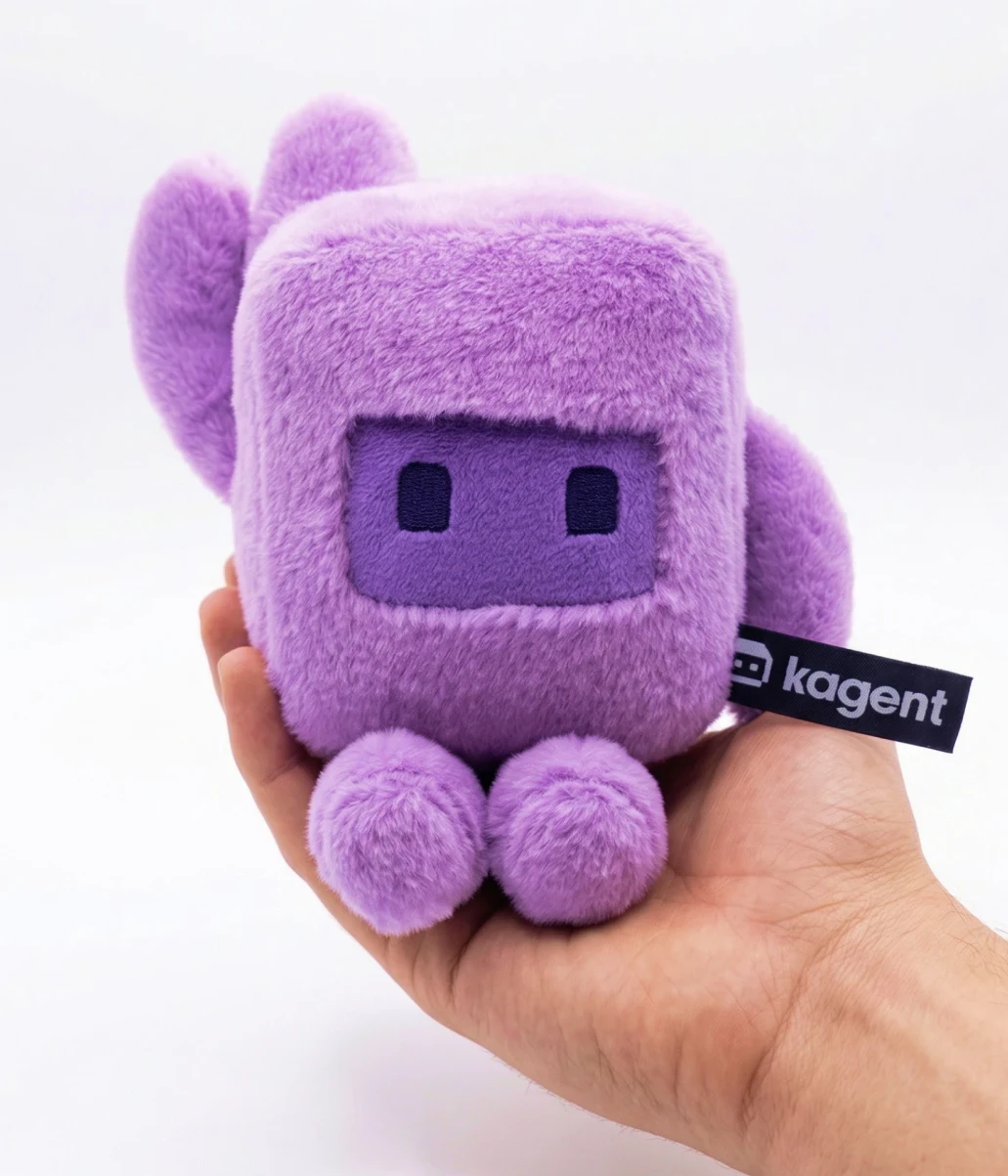
For speakers, customers, or VIP guests, you can also build swag kits and store them until you know who needs one. If you have something more specific in mind, like a plush version of your mascot, PerkUp has a custom sourcing feature where your swag can be made fully customized for you! Then PerkUp’s in-house designers can turn your artwork into mockups before you approve production.
Plan around your event calendar
Once the swag items are sorted, look at where your events are happening.
PerkUp delivers through local distribution from warehouses and suppliers across the US, Canada, Mexico, the UK, Europe, India, China, Hong Kong, Australia, and Dubai, and ships to more than 100 countries. So if you have one conference in Berlin and another in Sydney, your swag can go out as a local delivery from the warehouse closest to each venue instead of every box shipping from the US. If your swag is produced centrally, PerkUp bulk ships it into each region and works with local partners who handle the import. For any package that crosses a border on its own, PerkUp prepays duties wherever possible. You can also place one larger bulk order and split the inventory across your event calendar instead of starting over for every event.
Get the right boxes to the right venue
As each event gets closer, add the venue address and delivery window in PerkUp’s event swag tools. Your team can see what needs to go to each location, follow the shipment once it leaves the warehouse, and get an alert if something is running late. The event calendar also flags local holidays near the venue that could affect delivery.
So if you have 500 totes going to one show and another 200 going somewhere else a few weeks later, you can keep both tied to the events they belong to instead of tracking the shipments in a separate spreadsheet. We cover the full workflow in our guide to PerkUp’s event management features!
Follow up after the event
Once the show is over, you may still have a few things to wrap up. Send a gift card to a raffle winner or someone who completes your post-event survey. If attendees should choose their own swag, open a swag store and let them pick an item and size and enter their own address.
If you have swag left at the venue, you can return it to the PerkUp warehouse instead of figuring out where to store it yourself. Keep it there for the next event, then send out only what you need when the time comes.
That’s especially useful if you run several conferences throughout the year. Your team can check what’s already in stock before ordering more and use the same inventory across different events.
And because the same account connects with more than 200 integrations, your People team can also use PerkUp for programs like new hire kits and automated milestone gifting without setting up a separate swag system.
What good event swag looks like with PerkUp
Euna Solutions at the GFOA conference
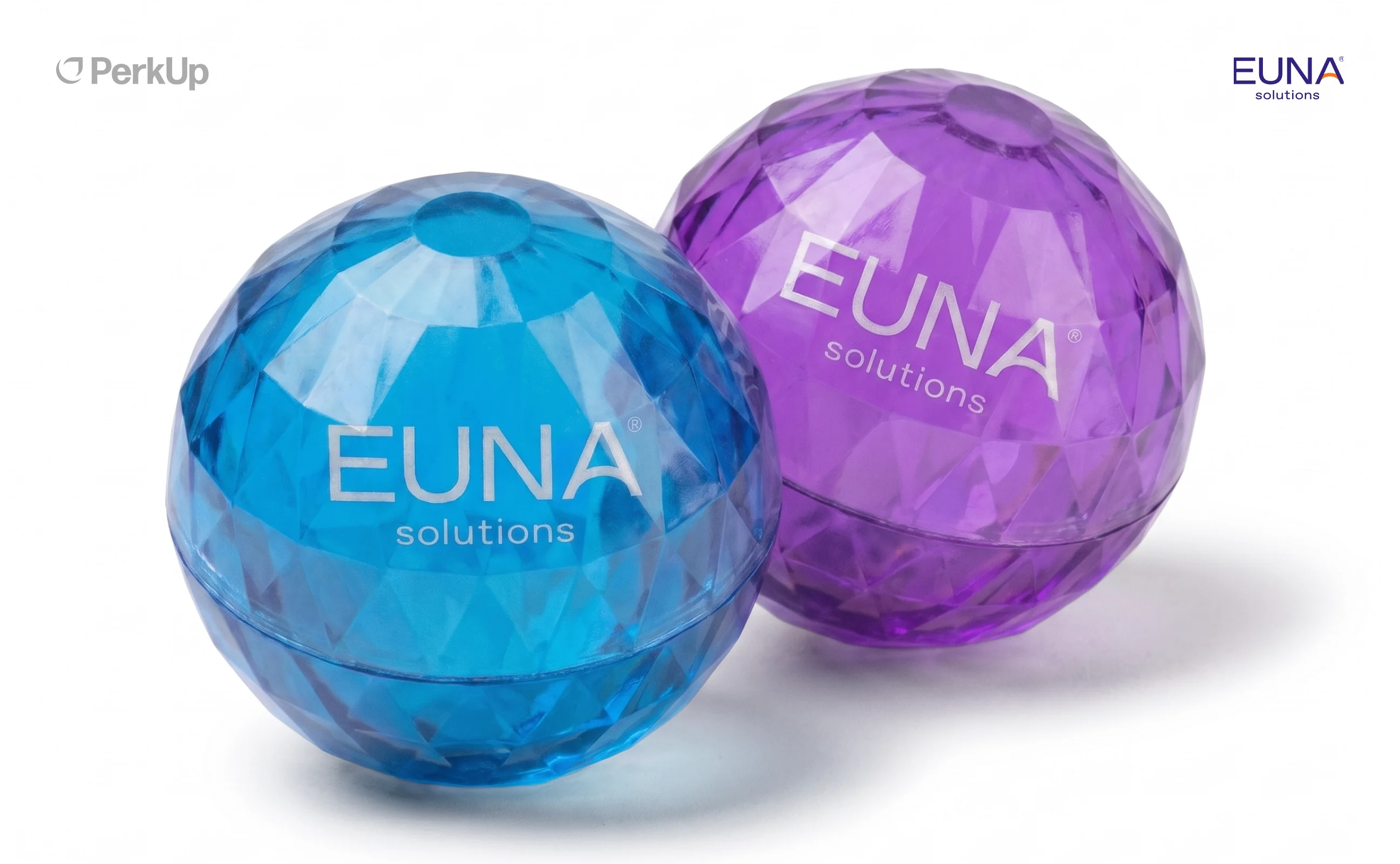
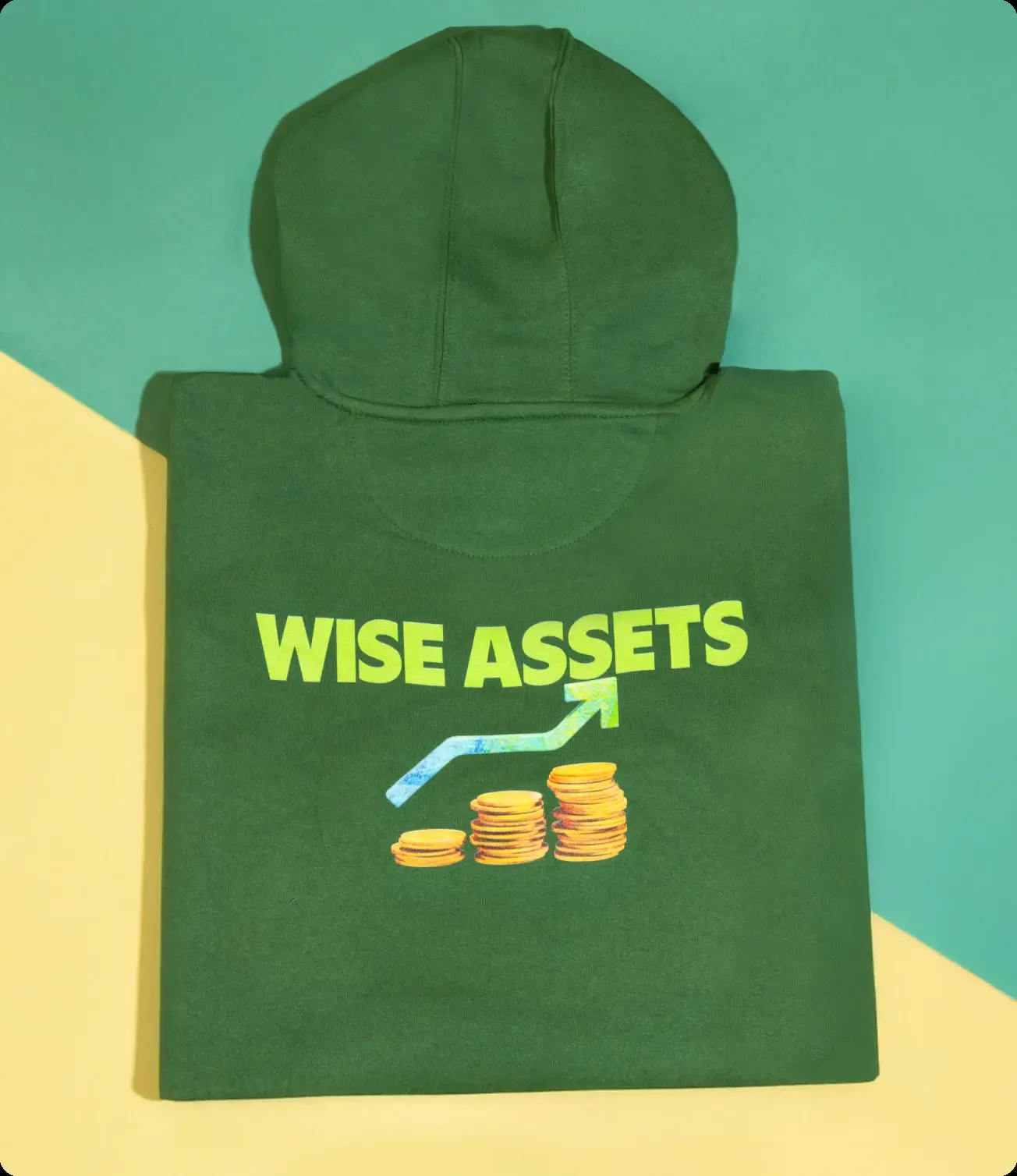
Euna Solutions was exhibiting at the GFOA conference, where the audience was made up of government finance professionals. Instead of trying to match the seriousness of the room, the team went in the opposite direction and ordered 1,500 branded bouncy balls. They were small enough for attendees to put in a pocket, inexpensive enough to hand out at scale, and unexpected enough to help the booth stand out on the expo floor.
Kunai’s networking event

Kunai went with something much more practical for its networking event: notebook sets and mugs. Guests could use both items at work the next day, but they also made sense in the room itself. That’s a useful way to think about event swag. You don’t always need an unusual product. If the item fits what attendees are already doing at the event and afterward, it can still work.
ProphetX’s UFC buffs

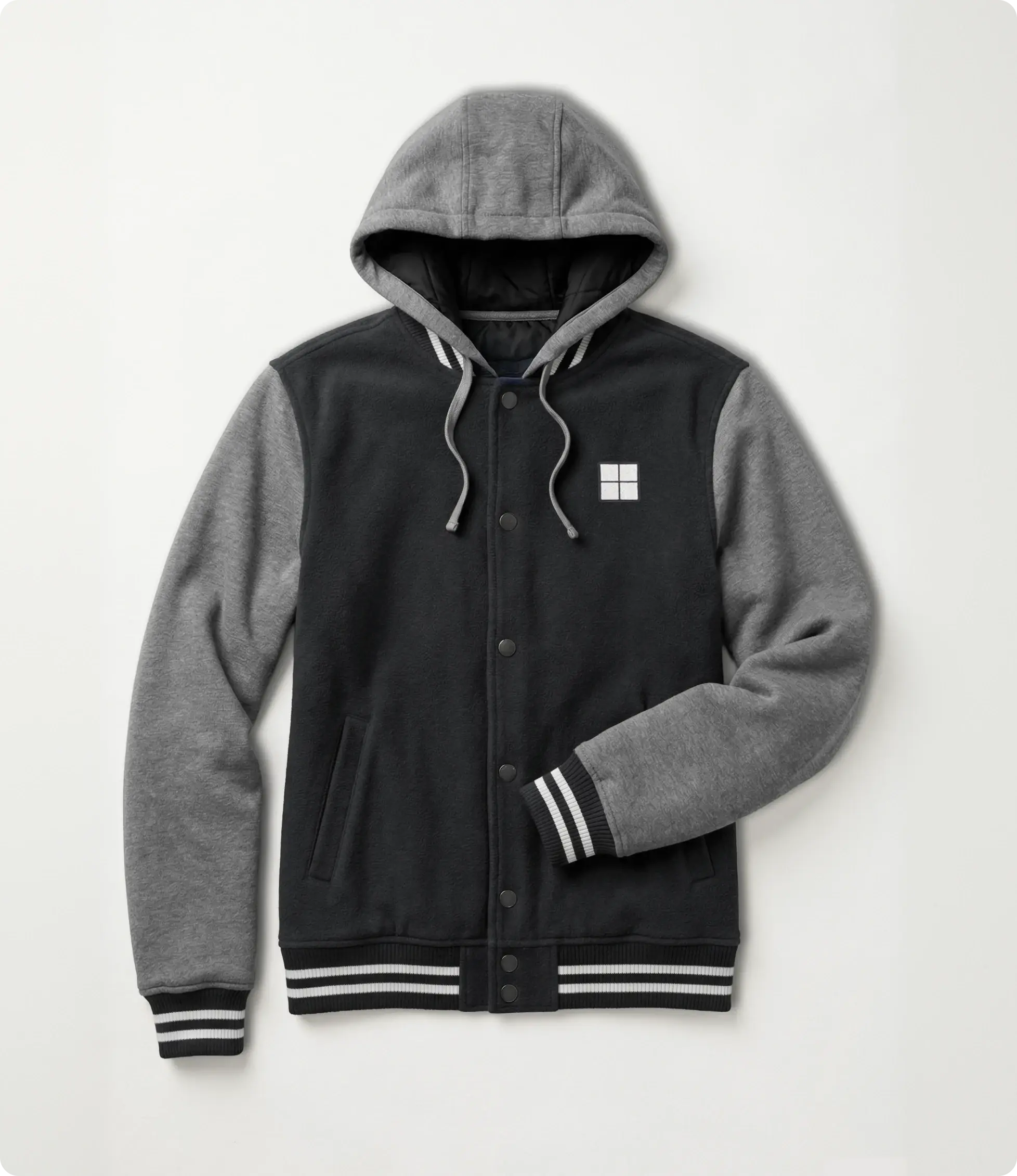
For ProphetX, the audience mattered more than choosing a universally useful giveaway. The sports prediction exchange needed something that made sense around UFC events and that its own staff would actually wear. PerkUp customized a neck gaiter, or buff, with the ProphetX “X” screen-printed across the front. The team produced the run in bulk and stored the inventory in PerkUp’s warehouse.
Key Takeaway
A good event marketing stack should support your whole event, from the first registration to the final follow-up. You don’t need 10 separate platforms, but you do need to know which tool handles each part and how your team will move from one stage to the next.
Start with the tools that keep the event organized, like your event management platform, project management tool, and CRM. Then add what you need for promotion, attendee engagement, lead capture, swag, gift cards, surveys, and reporting. The earlier you map out the tools you need, the easier it is for your team to work from the same plan instead of adding new tools as problems come up.
Use the checklist above to see what you already have and what you still need. If event swag is one of them, you can bring your event calendar to a PerkUp demo and see how PerkUp fits into the rest of your event marketing stack.

Frequently Asked Questions about Event Marketing
What should you look for in an event swag platform?
Start with fulfillment. Check where the company has warehouses and suppliers, especially if your team runs events in more than one country. Keeping inventory closer to the venue can reduce shipping costs and make international fulfillment easier. Then look at how you’ll manage the inventory itself. You should be able to see what you have in stock, assign quantities to different events, and give each venue its own delivery window. It also helps if you can manage both bulk orders and one-off sends from the same account. Support matters too. For a side-by-side comparison, see our top 5 platforms for conference and event swag.
How do you track swag inventory across multiple events?
Use a platform that connects the inventory to the event it’s meant for. In PerkUp, each event sits on a calendar with its venue and delivery window. Your team can see how much inventory is still in the warehouse, what has been assigned to each event, and whether the shipments have reached the venue. If something is delayed, you can also see the issue while there’s still time to respond. Our guide to event swag management covers the process in more detail.
How do you measure the ROI of event swag and gift cards?
Tie the swag or gift card to an action you can measure. For example, put a QR code on an insert or booth sign that sends attendees to a landing page, then track how many people scan it. For gift cards, look at how many people redeem them and what they do afterward, such as booking a meeting or completing a survey. Then compare what you spent against the leads, meetings, or other actions the campaign generated. Your swag or gift card platform can give you redemption data, while your CRM handles the pipeline side.
Can you ship event swag to a venue in another country?
Yes. PerkUp delivers through local distribution from warehouses and suppliers in the US, Canada, Mexico, the UK, Europe, India, China, Hong Kong, Australia, and Dubai, with shipping to more than 100 countries. That means most event orders go out as a local delivery from the warehouse closest to the venue rather than crossing several borders first. If your swag is produced centrally, PerkUp bulk ships it into each region and works with local partners who handle the import. For any package that crosses a border on its own, duties are prepaid wherever possible. You can also give each event its own delivery window, which helps when a venue only accepts packages during certain dates.