📣 New Feature: Swag Logo Management Is Live!
Make asset organization, access, and mockup creation a breeze for your entire team.
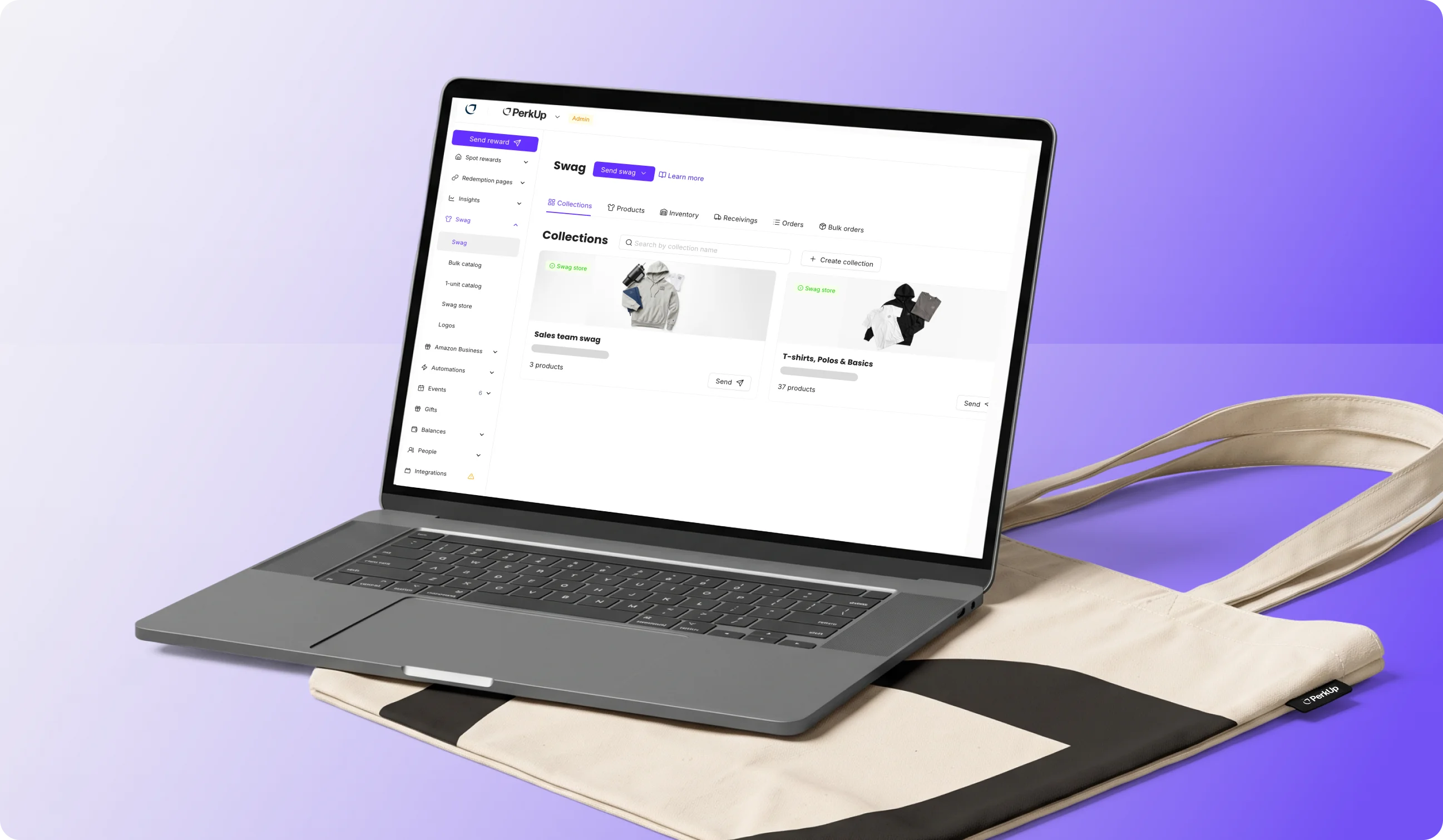
We’ve just rolled out our Swag Logo Management feature to all customers; no more digging through email threads or Slack messages to find the right logo for your swag project. Whether you’re managing dozens of brand assets across global teams or just trying to get a campaign out the door faster, this new tool is designed to streamline every step of the swag design process.
🚀 What’s New in Swag Logo Management
1. Centralized Logo & Asset Library (Shared Across Your Whole Team)

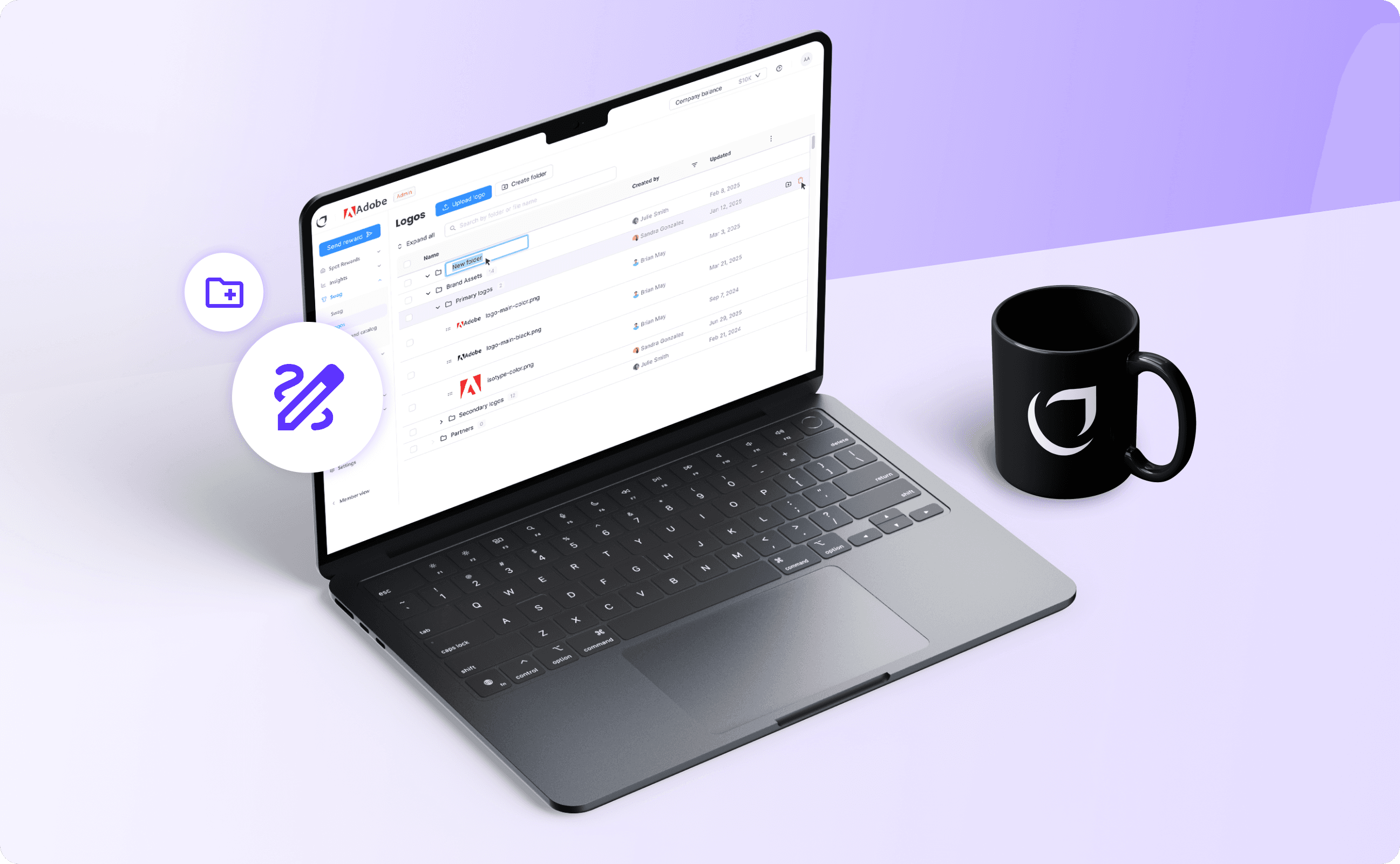
Upload your logos, brand marks, campaign graphics, and any other files to a centralized space that’s visible to all admins in your organization. No more duplicated uploads or file version confusion.
2. Bulk Upload Support

Add multiple files at once: ideal for onboarding a new brand package or uploading logos for multiple departments, regions, or event campaigns.
3. Folder & Subfolder Organization

Create folders (and subfolders!) to neatly organize your assets by brand, region, event, team, or anything else. You’re no longer limited to one big bucket of files.
4. Drag & Drop Organization

Quickly move files between folders using drag-and-drop. Keep things clean and intuitive without needing to rename or re-upload anything.
5. Version Transparency

See exactly who uploaded each file, so you always know which designer, marketer, or team member added the asset. Great for accountability and version tracking.
6. One-Click Asset Downloads

Need to send a logo to a vendor or download for internal use? All uploaded files can be downloaded in high resolution, ready for print or web.
7. Fast Mockup Creation for Swag Orders

Any logo you upload can be immediately used to generate mockups for both On Demand swag and bulk swag orders. Skip the manual upload step and go straight to visualizing your item.
🛠️ How This Improves Your Swag Workflow
Before:
Teams waste time locating the right logo.
Files are scattered across Google Drive, Dropbox, or someone’s desktop.
Every order requires a fresh upload of the same logo.
Mockup creation is slow and repetitive.
Now:
All assets are always ready and organized.
Everyone on your team has access to the latest, approved files.
Mockups take seconds, not hours.
Your swag workflow is more scalable across teams and geographies.
🌍 Ideal for Global Teams and Growing Brands

Whether you’re a fast-growing startup or a global enterprise with regional brand variations, Swag Logo Management keeps your assets organized and accessible—so you can focus on creating meaningful swag, not managing folders.
✅ Available Now for All PerkUp Customers
Swag Logo Management is officially out of beta and live for all customers. You’ll find it under the “Assets” tab in your dashboard. Start uploading, organizing, and mocking up today.